Select the icon – or press (something or other) for… There’s some new AI thing that’s just appeared on my Word screen as soon as I open a blank page. Didn’t ask for it, don’t want anything to do with ‘creative’ AI, doubt I shall use it, and I am already sick of AI generated… stuff. Daft little videos where non-real people pretend to be real people… Images of long-dead relatives suddenly animated and ‘alive’ again just to wrench your heartstrings… And don’t get me started on the “I just released my first book” brigade who’ve only managed to learn the process of ‘copy, paste and send to Amazon.’ Did you know, only a short time ago, Amazon made a rule that an author could upload only a certain number of new books per day? Something like ten. I mean… I write full-time, and I can only manage four decent-length pieces per year, so who’s writing this stuff? Worse, who’s buying it? I just saw a trailer for some novel or other and, OMG it was A B – the first word being Absolute.
And there’s a case in point. I changed that word to italics and this icon popped up with the message ‘Draft with…’ whatever the AI thing is called. CoPilot, or something. Isn’t it the copilot who actually flies the aircraft? Yeah, well, I’m not having that. So, my first job is to look up how to permanently disable this takeover.
And breathe…

Well, that took me longer than expected to get out of my system, so I’ll be brief. Yesterday: Writing, piano, and building the largest moving object known to man (at the time). Mr Andrews had me painting the hull, twice, tying knots in the rigging to secure them below decks, and painting the nameplate. The boss took care of the first attachments to the foredeck, and after two hours, we had one section of one deck 80% done.
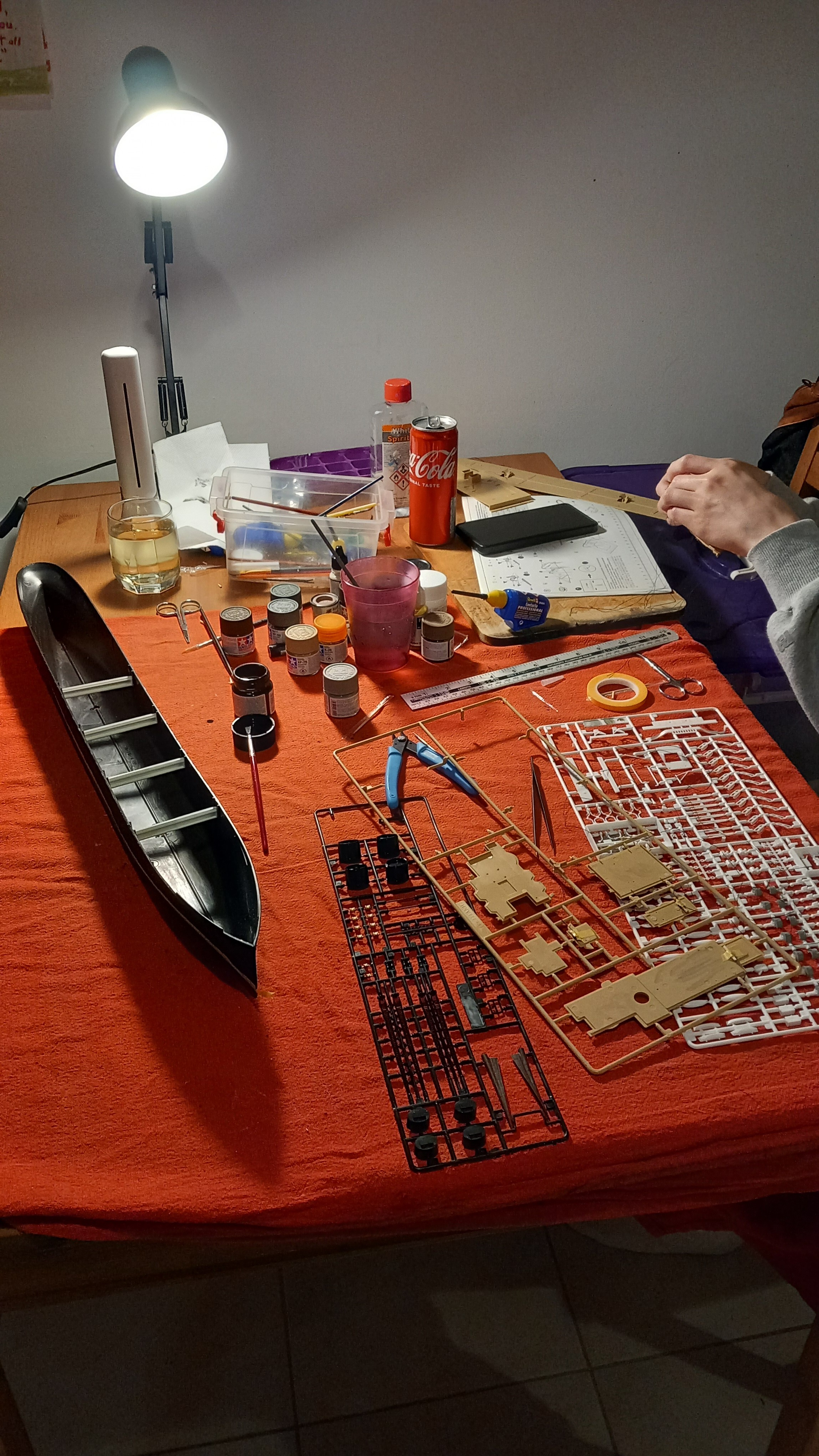
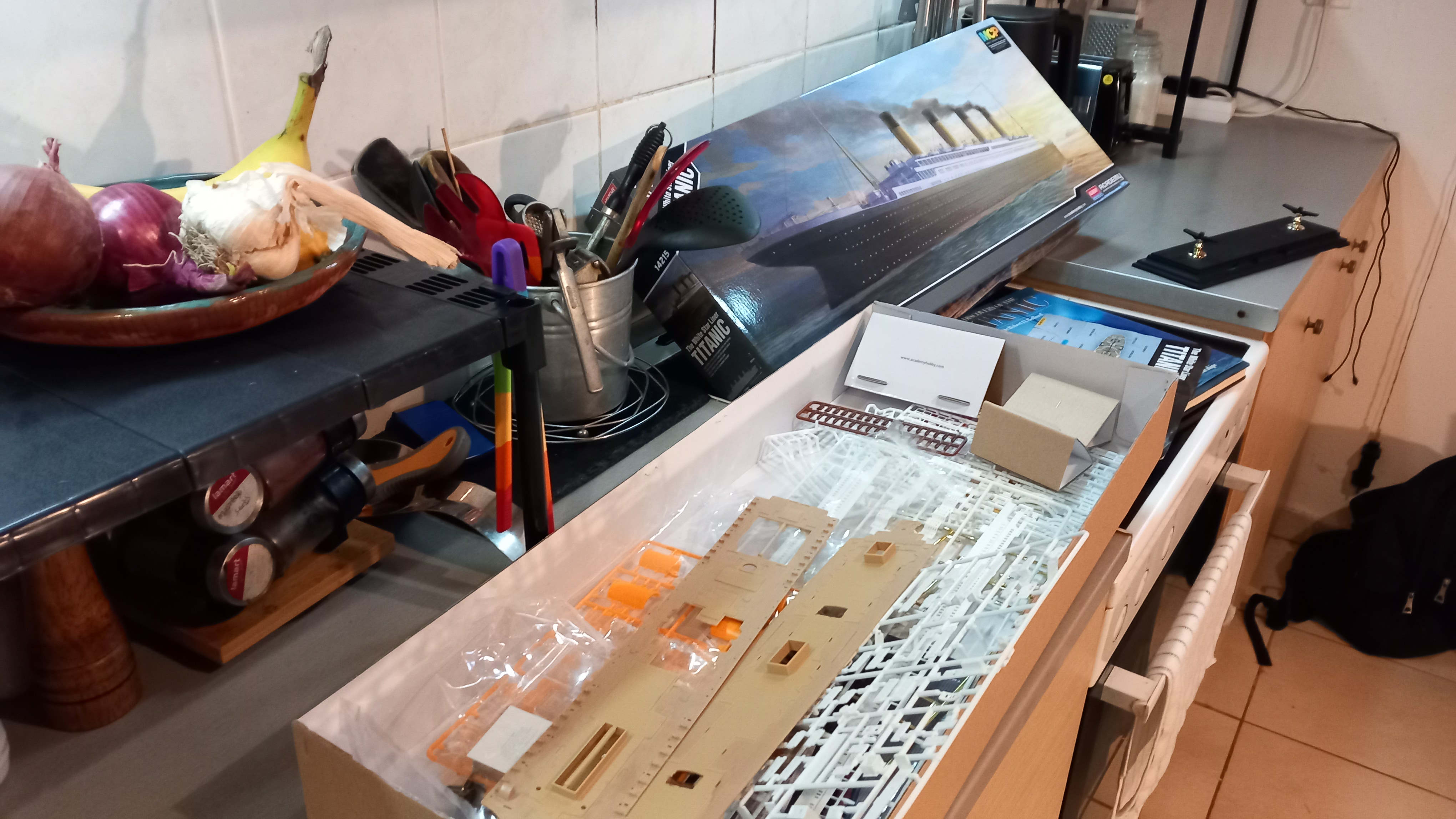
Today, the sun’s out again, the boat’s come and gone, and it looks like it’s going to be a glorious day for staying in, writing, maybe popping out for a walk later… Now that’s something AI could do for me. It could do my exercise while I create more stories from my own head.

Have a good weekend!
A gift for other grumpy creatives:
To disable this CoPilot thing:
1 Open Word
2 Go to File (top right), then Options (down the bottom)
3 Click Options and you should see Copilot in the menu
4 Click that and untick the ticked box
(Some versions may have an ‘Experiments’ link in the File/Options list, in that case, you turn it off from within there.
